How it works
Four steps between a phone photo and a finished visual.
Pixelise does not ask you to describe your product to a model. You upload the product, choose the photographic direction, and the studio builds the scene around it.
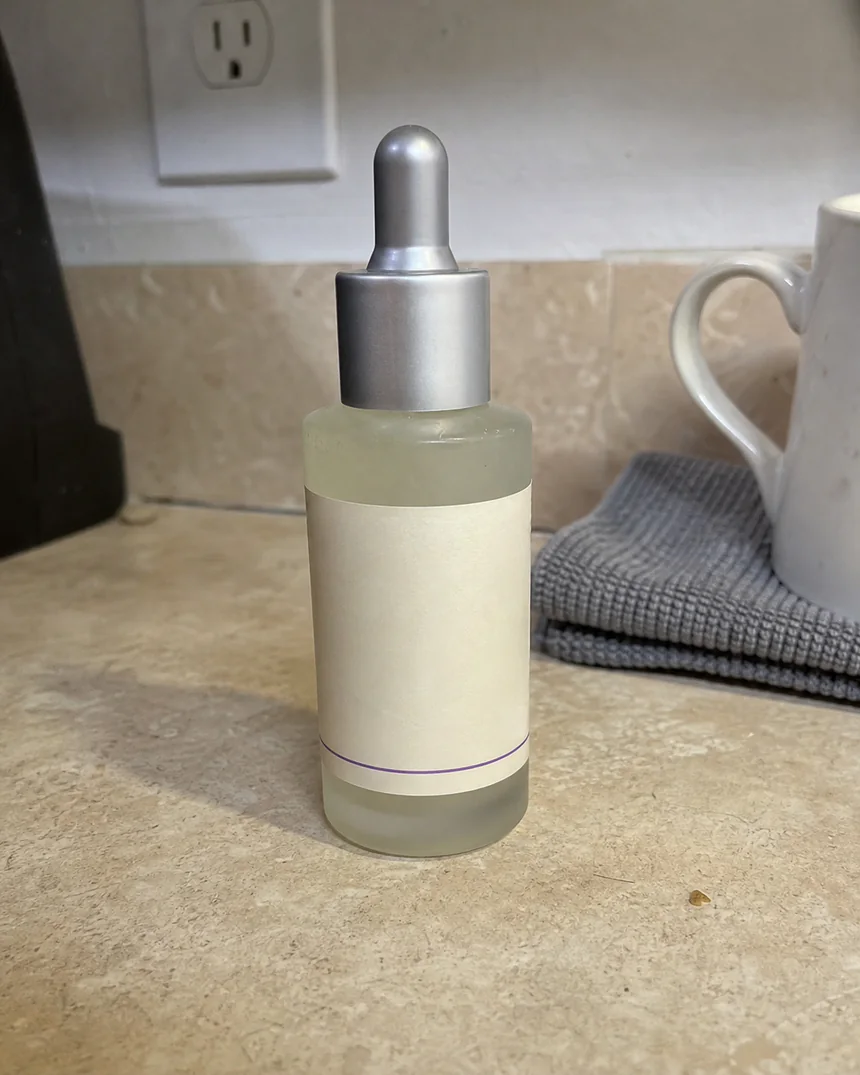 01Step 1 of 4
Upload your product photo
A clear phone photo on a plain surface is enough to start. The product stays yours.
Shoot the product straight on, fill the frame, keep the label legible and avoid harsh reflections on glass. Nothing needs to be cut out by hand — the source photo is the reference for shape, colour and finish.
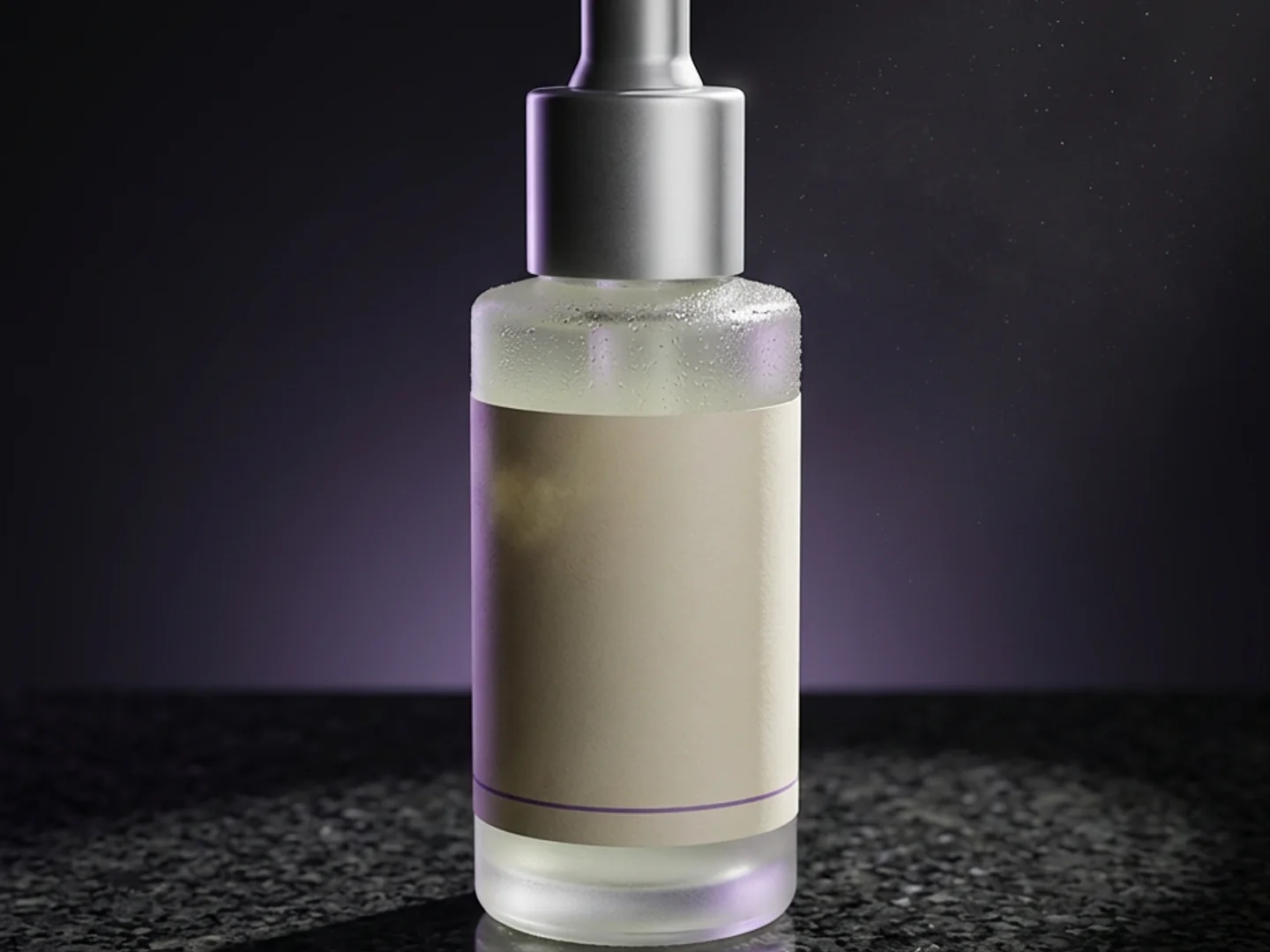 02Step 2 of 4
Choose your photography style
Studio, Lifestyle or Advertising, plus the set and lighting direction you want.
Pick the style that matches where the image will be used. Studio for the product page, Lifestyle for category and campaign imagery, Advertising for paid placements that need drama and room for type.
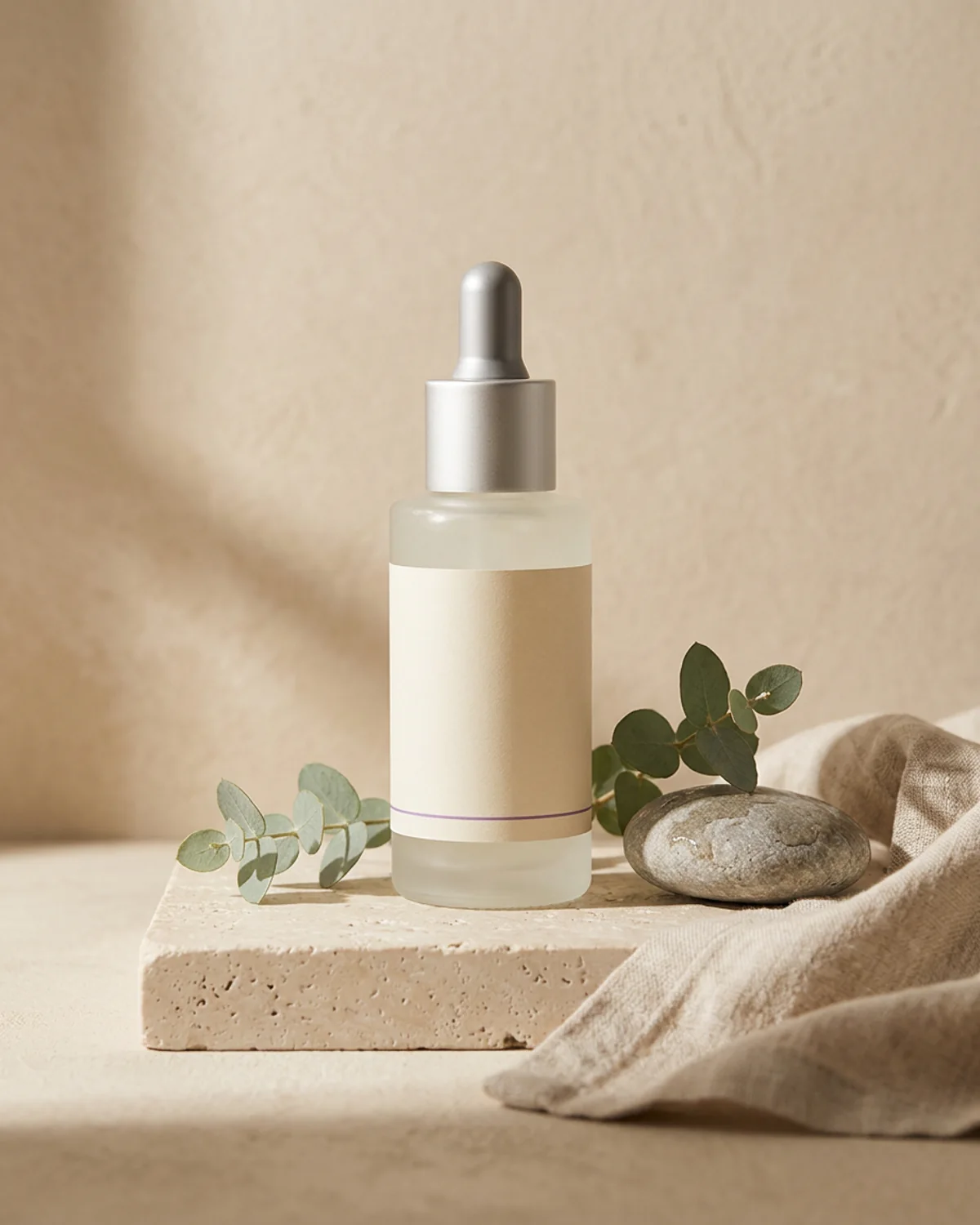 03Step 3 of 4
Let AI create your visuals
Pixelise renders the scene around your product and keeps the product intact.
The studio builds the backdrop, light, surface and props around your product rather than inventing a new one. Review the result, adjust the direction and generate again if the set is not right — each generation uses credits from your balance.
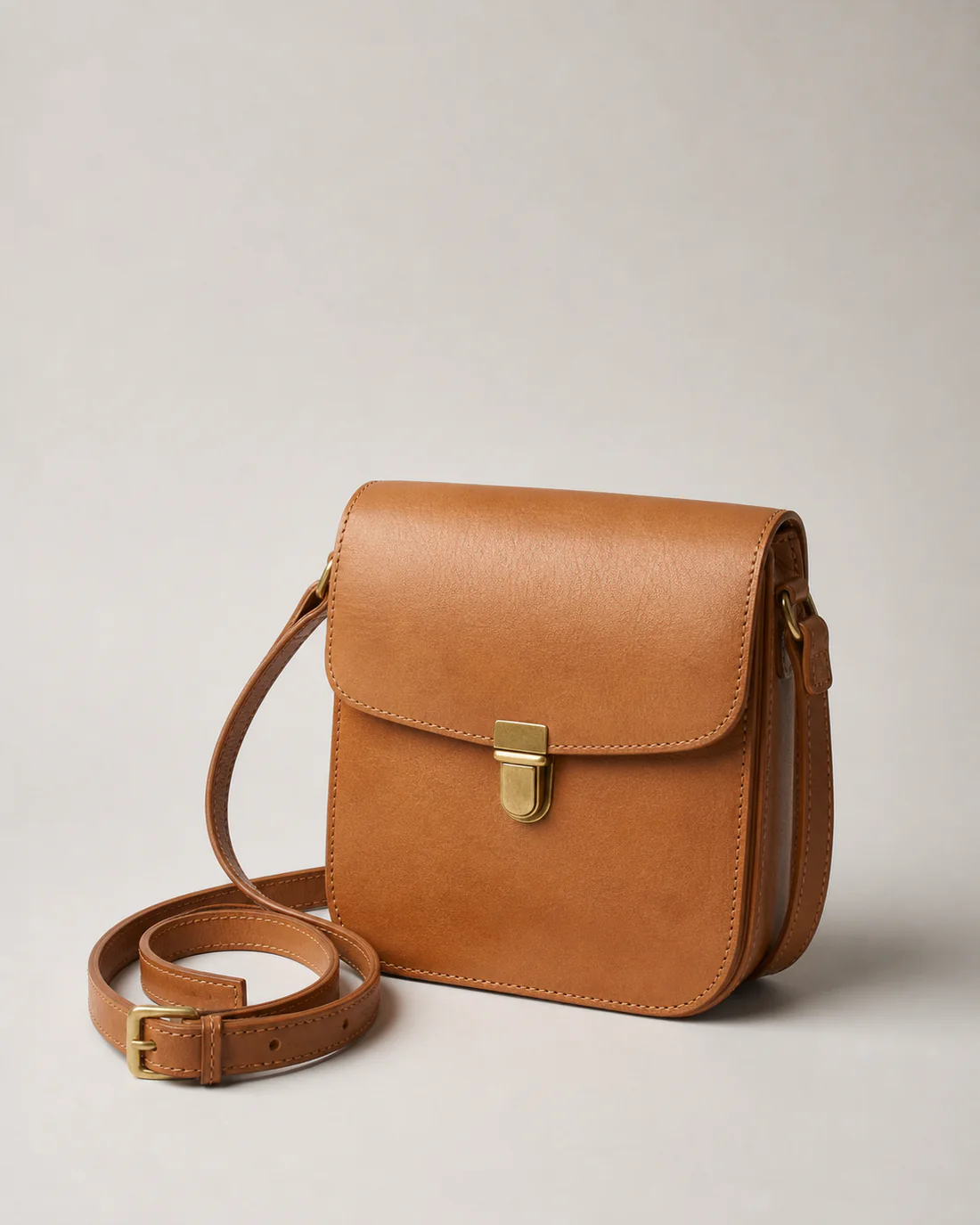 04Step 4 of 4
Download and use your images
Take the finished visuals into your product pages, marketplaces, ads and social.
Export the images you want at the size your placement needs, then use them wherever the product appears: the product page, marketplace listings, paid social, catalogues and campaign pages.
Before you upload
What makes a good source photo.
The studio works from what you give it. These three habits solve almost every problem before it starts.
- 01
Fill the frame
Stand the product on a plain surface and get close enough that it occupies most of the image. Cropped edges make it harder to read the silhouette.
- 02
Keep the label legible
Shoot straight on rather than at an angle. A label read at an angle is the detail that gives a generated image away.
- 03
Tame reflections
For glass and metal, avoid a hard light source behind the camera. Diffused daylight near a window is the safest starting point.
After the render
Where the finished images go.
Each style is built for a specific placement, so the frame you generate matches the space it has to fill.
- Product pages and collection grids
- Marketplace listings
- Paid social and display
- Catalogue and campaign pages
Workflow questions
The things people ask before their first upload.
If your question is not here, the full FAQ covers credits, packs and usage.
How does AI product photography work?
Your photo gives the studio the object: its shape, label, colour and finish. Pixelise then builds a photographic scene around that object — backdrop, surface, light and props — and renders the result so the image still shows your product, not an approximation of it.
What types of product images can I create?
Three families of visuals: studio shots on clean neutral backdrops, lifestyle scenes with natural light and props, and advertising images with dramatic editorial lighting. The studio is built for beauty, fashion, jewellery, packaged food and home products.
Do I need photography experience?
No. A clear phone photo of the product on a plain surface is the starting point. You choose the style; the studio handles the backdrop, the light and the composition.
How do Pixelise credits work?
Credits are what you spend when you create visuals in the studio. You buy a pack once and the credits sit in your balance, spent as you generate. There is no monthly subscription and nothing renews automatically.
Start your studio
Give your products the photography they deserve.
Studio, lifestyle and advertising visuals from a photo you already have. Two credit packs, bought once.